HOME
HOME
Creating a New Cooperative Robot Project
Create a new robot project for cooperative control function operation from an existing WINCAPSIII project for both the master and slave robot, respectively.
An existing WINCAPSIII project mentioned here should be obtained from the actual robot. If you send a project whose setting values of IO devices and/or variables are different by "Sending and Receiving a Project for Cooperative Control Function at One Time", setting values on the actual robot will be overwritten.
1
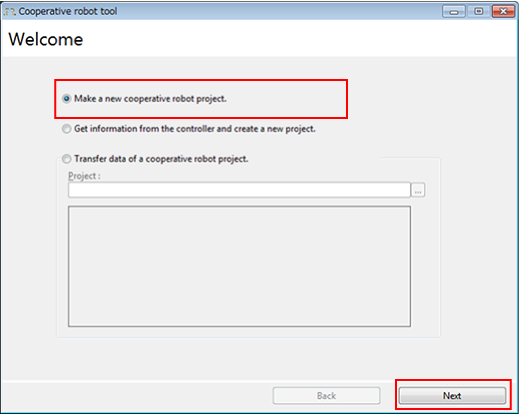
Select Make a new cooperative robot project.
Press the Next button.
2
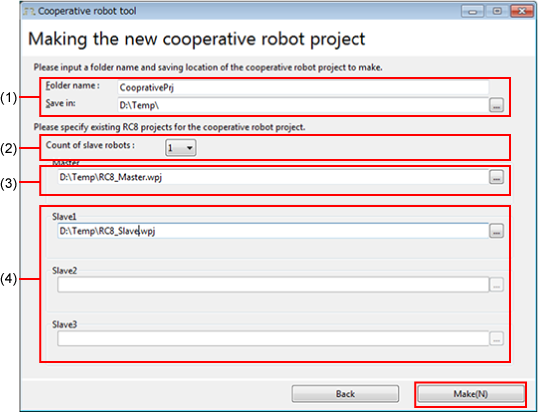
Enter the following items;
1: Folder name and location of a newly created project
2: Number of slave robot used
3: Project for the master controller
4: Project for each slave controller.
Once you have entered all items, click "Make(N)".
3
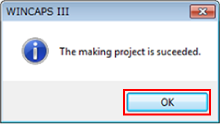
Click "OK" to close the window.