HOME
HOME
How to Tighten LAN and USB Cables
1
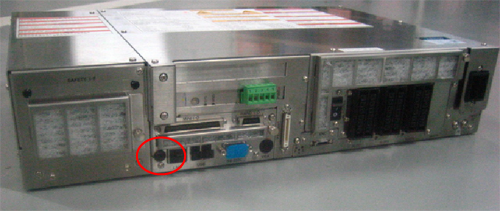
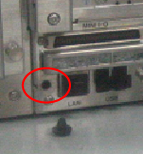
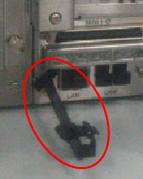
Remove the rubber cover (see a red circle in the figure below), then attach the cable clamps shipped with the robot.
2
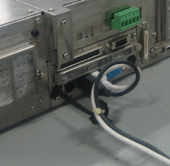
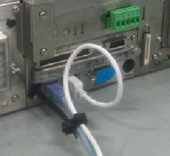
Tighten a LAN cable and a USB cable to the cable clamp.
-
Provide extra length to the cables as the figure below shows
.
-
Pull the cables to check tension. If cables are slippery or excessively thick, support them with a banding band or other tools.