
 HOME
HOME
ID : 9951
Logout
Access
[AUX] - [Logout]
Operation
1
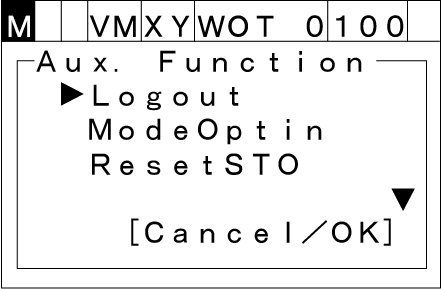
Press [AUX] to display [Auxiliary function option list].
2
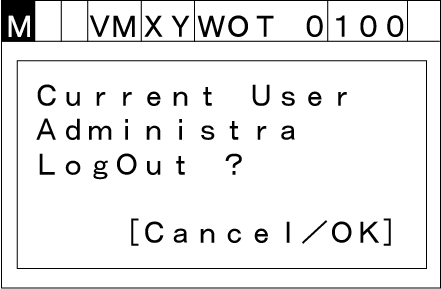
If you select [Logout] with the up and down cursor keys and press [OK], then the following message will appear.
To abort setting, press [Cancel].
3
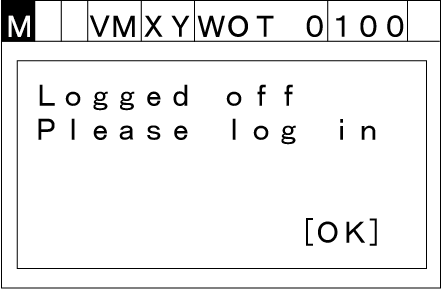
Press [OK]. Once logout is complete, the following message will appear.
To abort setting, press [Cancel].
Logout State
Only some keys can be operated in the logout state. To operate all keys, you need to log in.
Available Key List in Logout State
- [OK] key
- [Cancel] key
- [STOP] key
- [LOCK] key ([SHIFT]+[MOTOR])
- Numeric keypad (Available only in the password input window)
- Cursor keys (up/down/left/right)
- Mode selector switch
ID : 9951