HOME
HOME
Switching the Motion Modes
Key
[2:M-MOD]
Operation
1
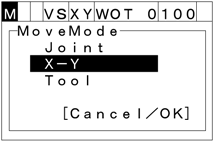
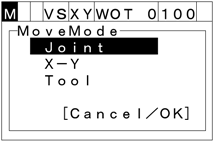
Press [2:M-MOD] to call up the "MoveMode" screen as shown below, which lists the motion modes you can choose for your robot.
2
From the Joint, X-Y, and Tool modes, choose one in which you want to run your robot in Manual operation, by using up and down cursor keys. Then press [OK].
To discard the new choice, press [Cancel].