
 HOME
HOME
Changing the Password
1
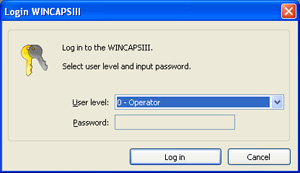
Choose Tool|Re-Login to display the dialog box for logging in.
2
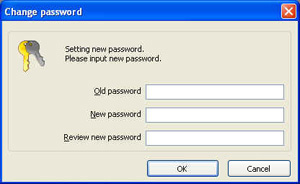
Press the Chg. PW button to display the dialog box for changing the password.
3
Enter three passwords: the current password in the first field and the new one in the other two.
4
Press the OK button to update the password.