
 HOME
HOME
Reading and Writing Arm Parameter
Arm parameters received from the controller can be written to a separate file or loaded as arm data.
Reading and Writing Arm Parameter
1
Log in with Programmer level.
2
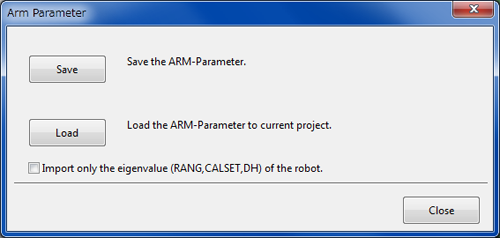
From the menu bar, click Tool, click ARM-Parameter to display Arm Parameter dialog box.
-
Save button
Write WINCAPS III project arm parameters to a file. -
Load button
Arm data from files below on your PC is uploaded to your current project.
| WAM | WINCAPS III arm data format |
|---|---|
| WPJ | Load only arm data from WINCAPS III projects. |
| ARM | WINCAPS II arm data format |
When the check box of "Import only the eigenvalue (RANG, CALSET, DH) of the robot" is checked, only robot's particular position data (such as RANG, CALSET, etc.) are transferred to the current project.