HOME
HOME
Encoder Reset
Access
[AUX]-[ArmAux]-[EncReset]
Operation
Reset the motor encoder.
If [8540467* *-axis:Encoder System Down] is displayed due to running out of encoder backup battery or other reasons, or [8540468* *-axis:Encoder over speed error] is displayed due to excessive impact at the timing of the controller power off, the encoder must be reset and CALSET must be done.
1
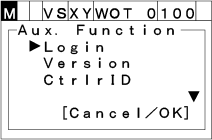
Press [AUX] to display [Aux. function].
2
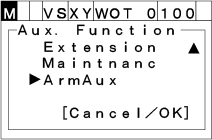
Select "ArmAux" with the up and down arrow keys then press [OK].
3
Select "EncReset" with the up and down arrow keys then press [OK].
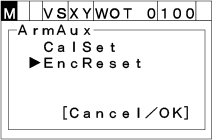
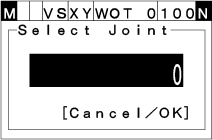
[Select Joint] display appears.
4
Select the axis to be reset, then press [OK].
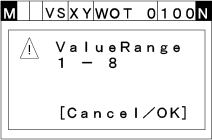
The input range is from 1 to 8.
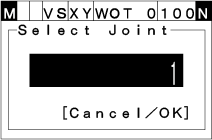
When you enter a value outside a range, [Range Confirmation] window appears as follows.
5
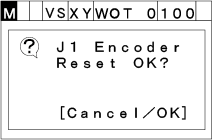
[Encoder reset confirmation] window appears. Press [OK] to reset the target axis' encoder.
6
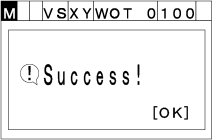
If encoder is successfully reset, the following window appears.