
 HOME
HOME
ID : 9770
Setting Date and Time of System (Date and Time)
Operation path : [F6 Setting] - [F7 Date and Maintenance] - [F1 Date and Maintenance] - [Time and Date tab]
Set current date and time.
| Available function keys | |
|---|---|
| [F1 Edit Year] |
Display numeric keypad for setting the number of years. Enter the number of years with numeric keypad, and press [OK] to change it. |
| [F5 Edit Time] |
Display numeric keypad for setting time. Enter the time with numeric keypad, and press [OK] to change it. |
The system may ask you to restart the controller depending on the date and time that you have set. In this case, restarting the controller will complete the date and time setting.
Change the Time Zone
To change the time zone, press the [Timezone] tab, select applicable time zone from the list, and then press [OK] button to confirm.
If the summer time can be applied to the displayed time zone, the "Enable the SummerTime" check box will appear. If you want to adjust the summer time automatically, keep this check box selected.
Adjusting the time zone and summer time setting will require you to restart the robot controller.
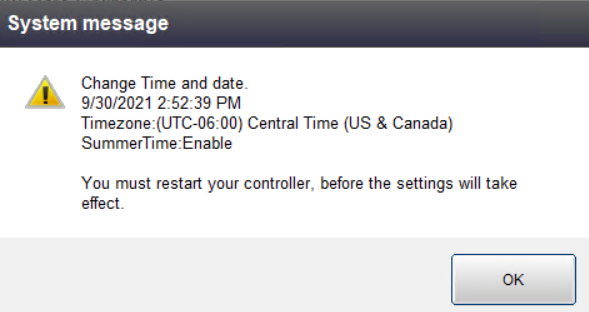
Restarting the controller will apply the adjustment to the date and time displayed on the screen.
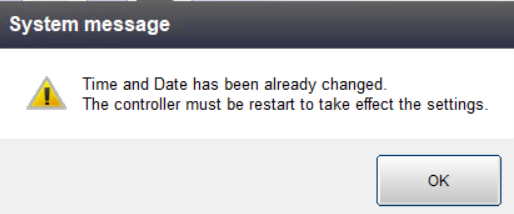
You cannot adjust the date and time without restarting the controller.
ID : 9770