
 HOME
HOME
ID : 9960
CALSET Operation
Operation Path
[AUX] - [ArmAux] - [CalSet]
Operation
1
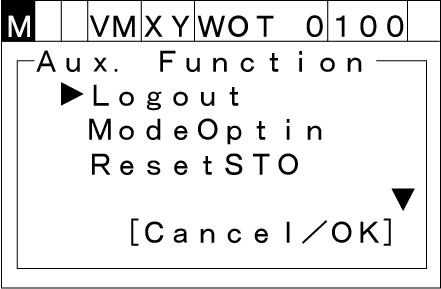
Press [AUX] to display [Aux. function].
2
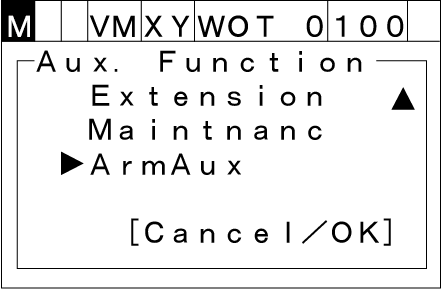
Select [ArmAux] with the up and down arrow keys then press [OK].
3
Select [CalSet] with the up and down arrow keys then press [OK].
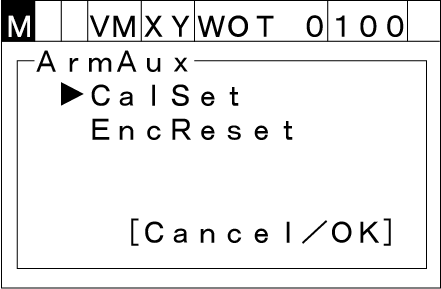
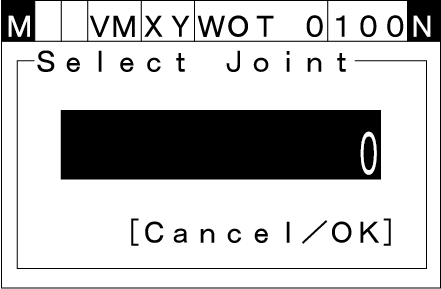
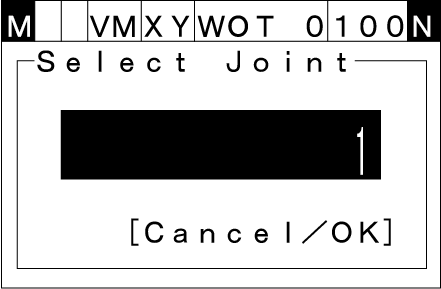
[Select Joint] display appears.
4
Place the robot to CALSET position.
Enter the axis to be CALSET then press [OK].
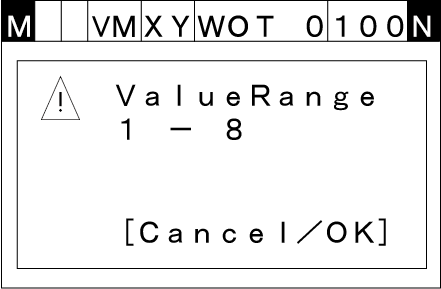
The input range is from 1 to 8.
When you enter a value outside a range, [Range Confirmation] window appears as follows.
5
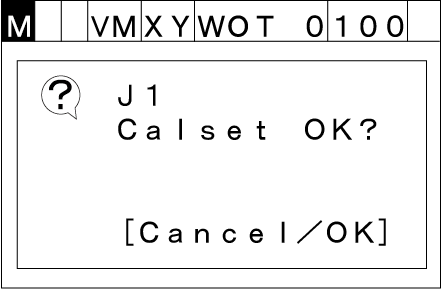
[CALSET Confirmation] window appears. Press [OK] to execute CALSET.
6
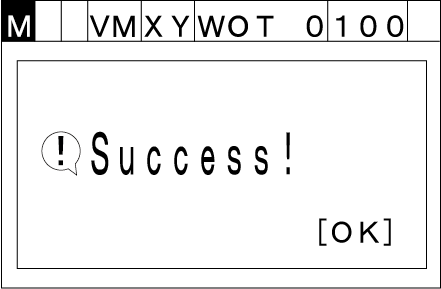
If CALSET completes successfully, the following window appears.
ID : 9960