
 HOME
HOME
ID : 10145
Starting a Program in Program Check
Program check can check the teaching results of the program operation by moving it in high speed.
If you execute the program operation for the first time, execute at low speed at first. After confirming that there is no problem in operation, increase the motion speed.
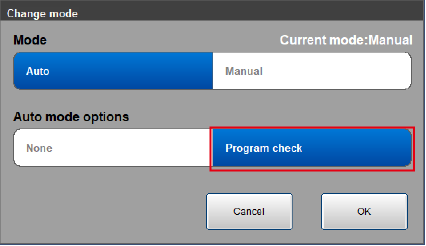
Select the Program Check Option
When switching to Auto mode, select [Program check] of [Auto mode options] in the mode switching window.
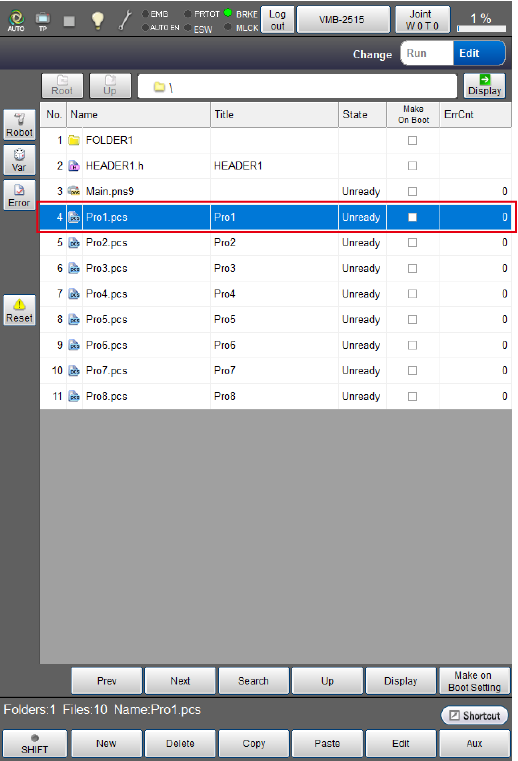
Select a Program to be Executed
In the [Program list] window, select a program to be executed automatically.
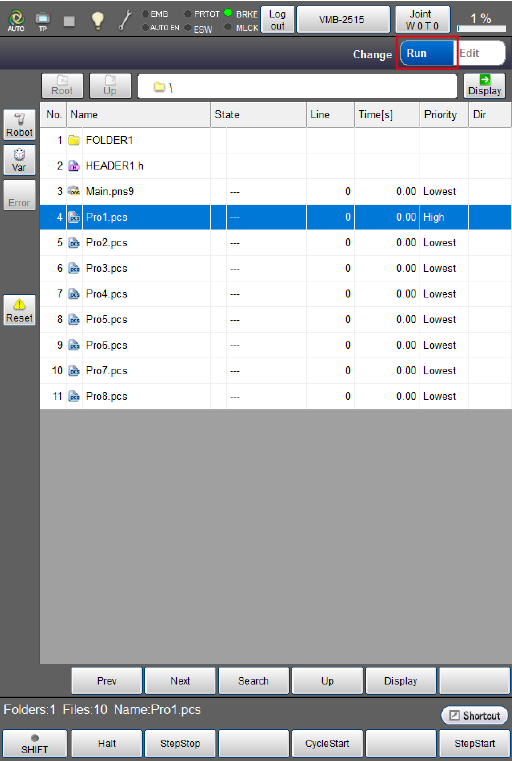
Start a Program
When starting a program in program check, change to [Run] for the menu switch on the upper right of the [Program] menu window.
Step Start
Execute the step start by following procedures below.
If you want to display the program during the step start, press [F11 Display] before the step start.
1
While holding down the enabling switch, turn the motor power on.
Check that the machine lock is released.
The motor power does not turn on if the machine is locked.
2
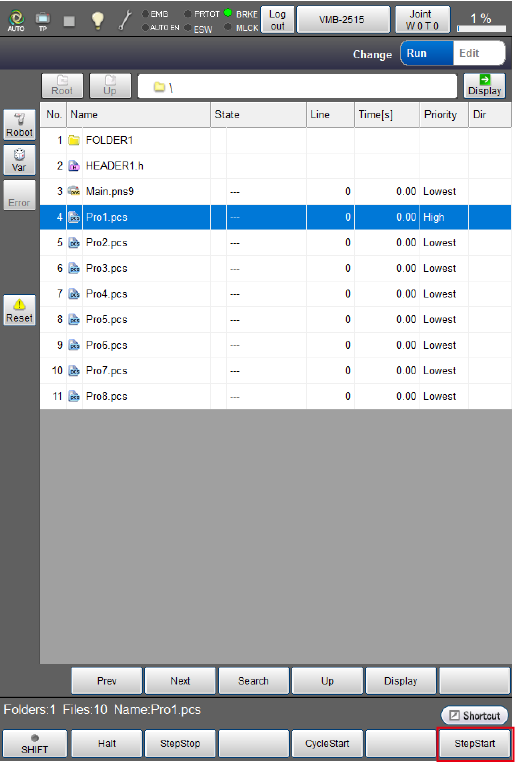
Tap [F6 StepStart].
3
The message will appear. Press [OK].
When the program is displayed, the following items are displayed.
- Step Into: Run into the procedure called from current program.
- Step Over: Run over the procedure called from current program.
- Repeat: If this option is [ON], StepStart window appears after a cycle of StepStart completes. This option is practical when executing StepStart repeatedly.
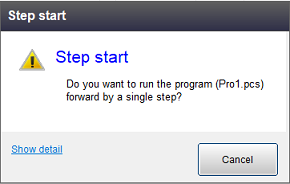
4
To execute a step start of the next line, press OK for a while with holding down the enabling switch.
5
In program check, keep pressing both enabling switch and [OK] button until the execution of program is completed. Robot stops immediately if either of them is released before completing the execution.
To stop the robot image motion during step start, release [OK] button or release the enabling switch.
To reset the program which is under execution, tap [Reset] button.
Execute the procedure above repeatedly to the end of the program, with checking each motion.
Cycle Start
Execute the cycle start by following procedures below.
1
While holding down the enabling switch, turn the motor power on.
Check that the machine lock is released.
The motor power does not turn ON if the machine is locked.
2
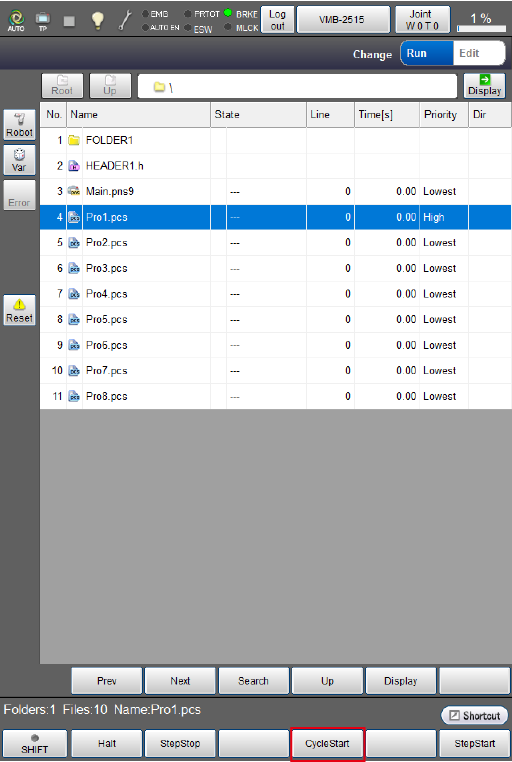
Tap [F4 Cycle Start].
3
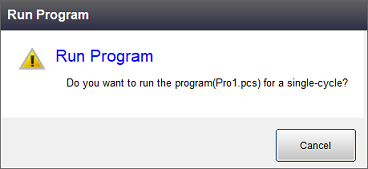
A system message appears. To start the robot image, press [OK] button.
4
In program check, keep pressing both enabling switch and [OK] until the execution of program is completed. Robot stops immediately if either of them is released before completing the execution.
To stop the robot image motion during cycle start, release [OK] button or release the enabling switch.
To reset the program which is under execution, tap [Reset] button.
Once the program has been executed to the end, it will stop.
The elapsed time on the display refers to the length of time from the start to the end of the program including temporary stop time caused by the step stop or the halt.
Continuous Start
In program check, you cannot execute the continuous start.
ID : 10145