
 HOME
HOME
ID : 10776
Setup (CALSET) with MP
After receiving VL initial setting data and restarting the robot controller, perform VLA setup (CALSET and operation confirmation) in order.
First, execute CALSET by following steps below.
If the following errors occur at start-up, the wrong VL initial setting data has been sent to the controller or the robot model that is set to the controller is different from the connected robot model. Check the robot model and serial number and then send the VL initial setting data again from WINCAPSIII. If it is still not solved, contact our service representative.
- 0x85500392: VL initial setting data and Encoder serial number do not match.
- 0x855003A7: Failed to write the VL initial setting data to the controller.
1
When restarting the robot controller, the login window is displayed.
Log in with the default account "Administrator". The password is "1234".
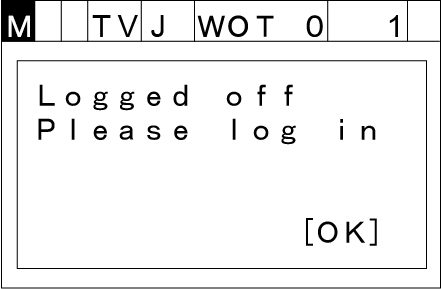
If the default account is changed, log in with an account that the user level is Maintainer or Risk Assessor. Setup is available with an account that the user level is Maintainer or higher.
2
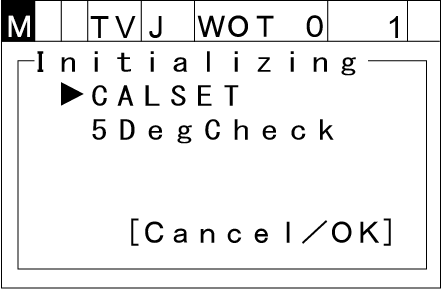
The VLA setup (CALSET and operation confirmation) window is displayed.
Select CALSET, press [OK].
3
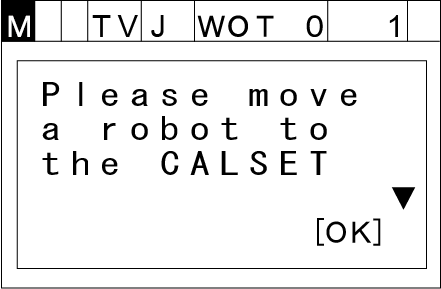
The CALSET description window is displayed. Press [OK].
4
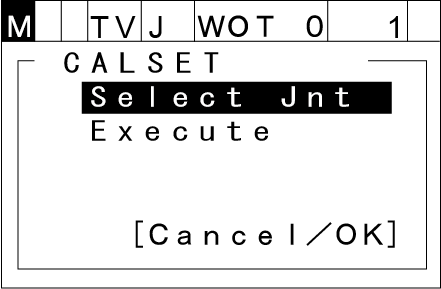
The CALSET window is displayed.
5
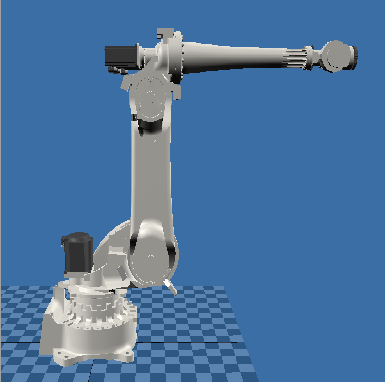
Move a robot to the CALSET position by the manual operation as shown in the figure below.
-
Joint position at CALSET
1st axis2nd axis 3rd axis 4th axis 5th axis 6th axis 0° 0° -90° 0° 0° 0°
- Align the movable reference notch with the fixed reference notch on each axis visually. You do not need to use the calibration tool.
- If Auto mode is selected, you need to change to Manual mode.
-
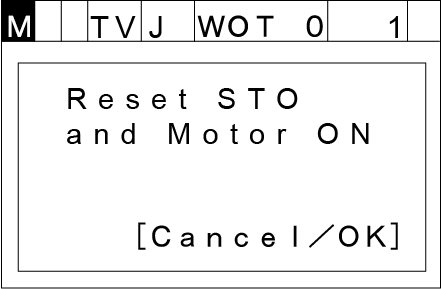
When pressing the enabling switch while the motor is on, the following window is displayed. Press [OK].
6
Select [Select Jnt], press [OK].
7
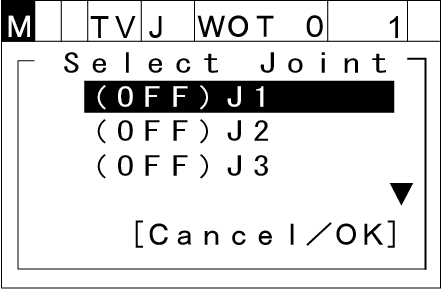
The window to select the target joint for CALSET is displayed. Select J1, press [OK].
8
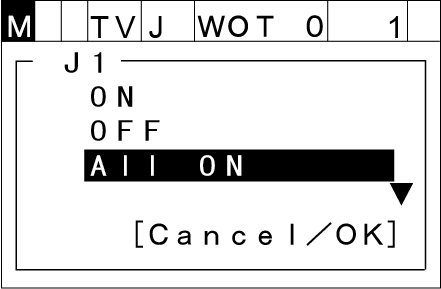
The window to set the target joints whether to execute CALSET or not is displayed. ON: Execute CALSET OFF: Not execute CALSET
Select [ALL ON] (to turn all joints on), press [OK].
9
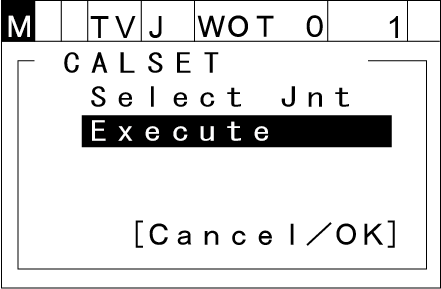
It returns to the CALSET window. Select [Execute], press [OK].
10
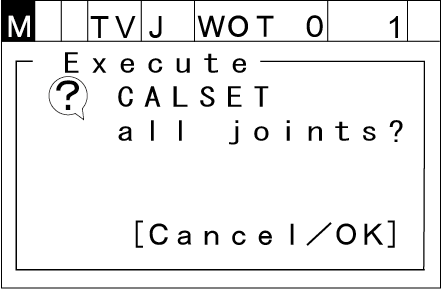
The window to check whether to execute CALSET is displayed. Press [OK].
11
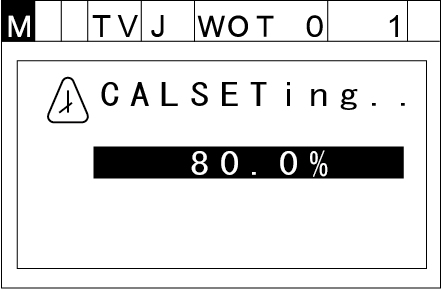
The progress window is displayed while CALSET is executed. Wait until it reaches 100% and CALSET is completed.
12
Once CALSET is completed, the CALSET succeeded window is displayed. Press [OK].
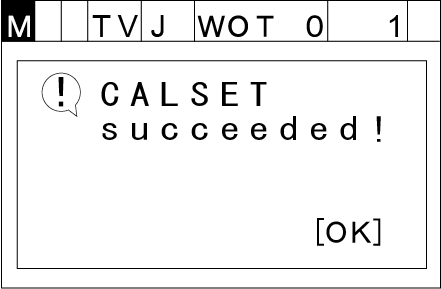
This completes CALSET.
ID : 10776