
 HOME
HOME
ID : 11130
Adjust the External Force Following Control Parameters
You can monitor the external force following control on the smart TP.
If you fail to obtain your expected results by executing the program, adjust the parameters by referring to the results displayed on the [Force Control (External force following)] screen.
You can adjust the parameters using the smart TP or commands. However, using both of the methods may confuse you, causing a risk of setting the parameters improperly. To prevent this, we recommend you to use only either of the methods.
Adjustment Procedure
1
Operation path: Top screen - [F2 Arm] - [F2 Force Control]
On the displayed [Force Control (External force following)] screen, check the results to decide which parameters to adjust.
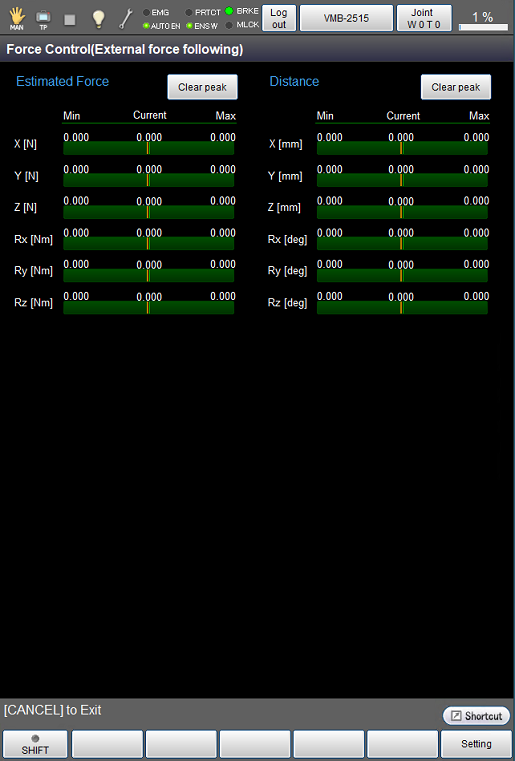
For details on the items displayed on the [Force Control (External force following)] screen, refer to the table below. The left and right ends of each graph indicate the minimum and maximum values respectively. The values displayed at the center of each graph indicate the current values.
| Name | Details |
|---|---|
| Estimated Force | This graph indicates the estimated external force applied on the force control coordinate system, which is calculated from the value of the motor electric current. |
| Distance | This graph indicates how much distance the robot has moved since the force control starts. |
2
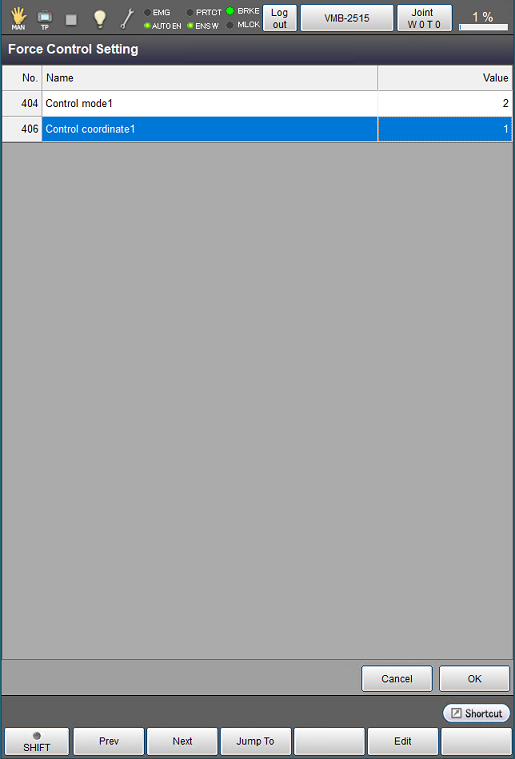
On the [Force Control (External force following)] screen, press [F6 Setting] to open the [Force Control Setting] screen.
Specify the parameters you decided to adjust in STEP1.
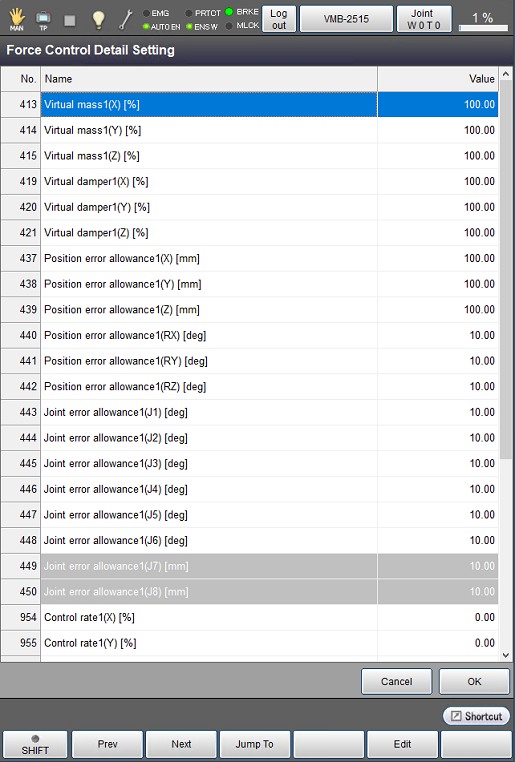
To adjust the parameters in more detail, press [F12 Detail Setting] on the [Force Control (External force following)] screen to display the [Force Control Detail Setting] screen where you can adjust the parameters.
3
Execute the program again and check if you have obtained the expected results.
Repeat Steps 1 and 2 until you obtain your expected results.
ID : 11130