
 HOME
HOME
ID : 9939
Resetting Programs
Key
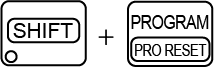
[PRO RESET] ([SHIFT] + [PROGRAM])
Operation
1
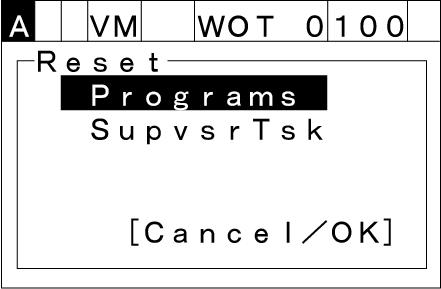
Press [PRO RESET] to call up the "Reset" screen as shown below. Choose one of items listed on the screen by using the up and down cursor keys.
- Programs: Normal task programs
- SupvsrTsk: Supervisory task programs
2
Press [OK] to reset the selected programs to the beginning. Those programs will become on halt.
To discard the new choice, press [CANCEL]. The display will return to the top screen.
ID : 9939