
 HOME
HOME
ID : 9956
Robot Controller's Internal Calender and Clock Settings. (Date and Time Display and Setting)
Operation Path
[AUX] - [Maintenance] - [Date]
Operation
1
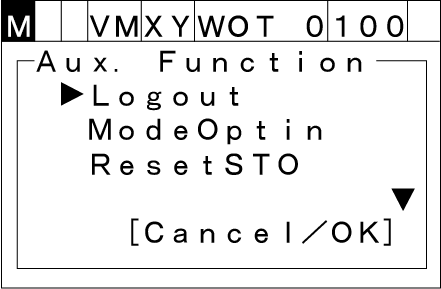
Press [AUX] to display [Aux. function].
2
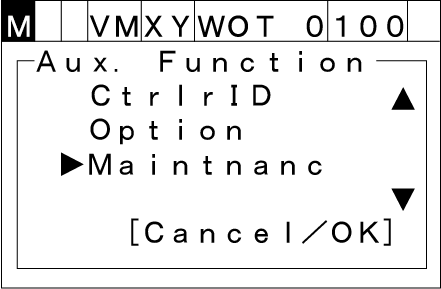
Select [Maintnanc] with the up and down arrow keys then press [OK].
3
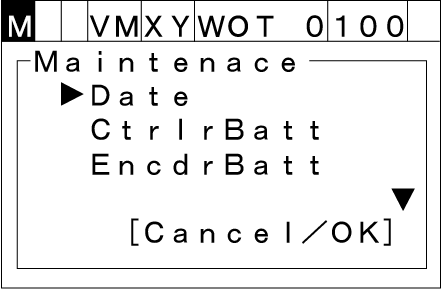
Select [Date] then press [OK].
4
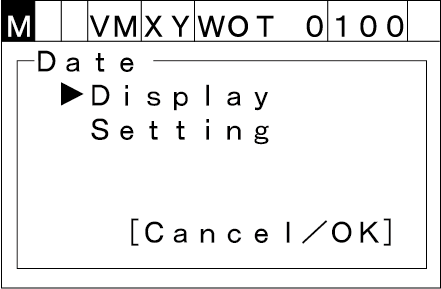
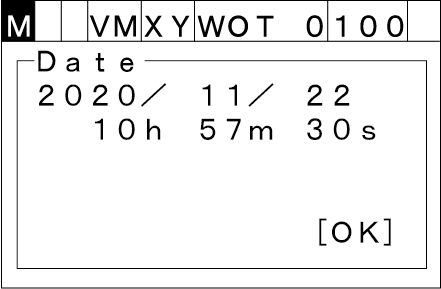
The [Date] screen appears as shown below.
Displaying Date and Time
Select [Display] to show the current calendar clock setting.
Setting Date and Time
Select [Setting] to change the calendar clock setting.
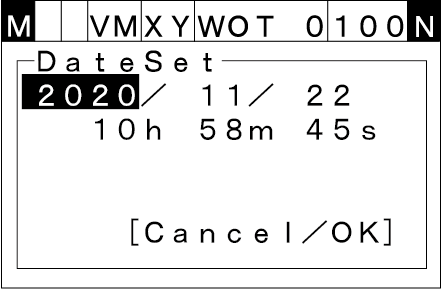
Choose the items to change with the right and left cursor keys and enter new values with the numeric keypad.
Press the [OK] key to establish the new setting.
ID : 9956