
 HOME
HOME
ID : 9470
Login
To operate a smart TP, you need to login.
Login Procedure
1
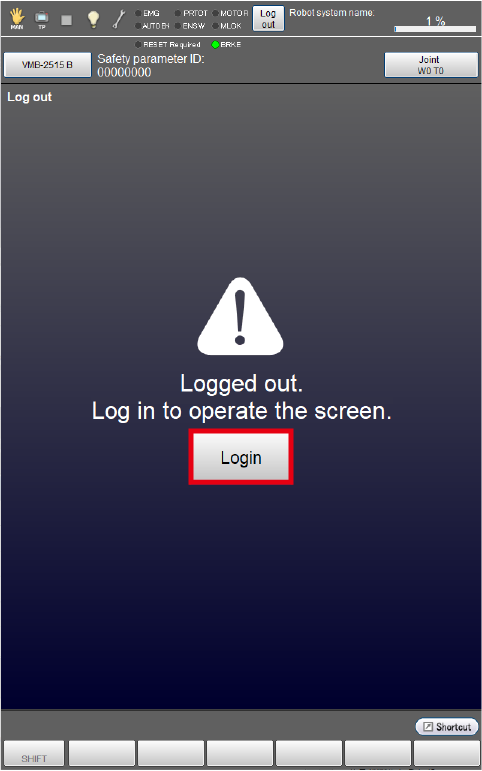
Tap [Login] in the center of the window.
2
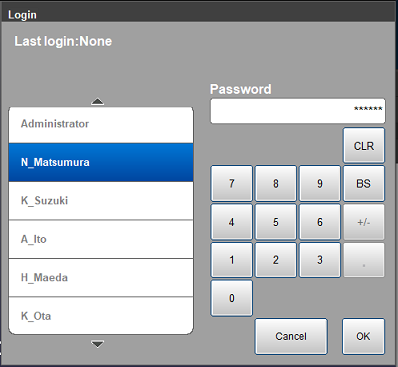
Select an account and enter a password.
When you login first time, use the default account .
3
Tap [OK]. If the password is correct, you can log in.
How to add an account
For how to add an account, refer to "here".
Default Account
When logging in for the first time, set a password for the default account.
If you forget the password, you will not be able to log in. Do not forget the password you set.
The following are the user ID and user permission of the default account.
| Account name | User permission |
|---|---|
| Administrator |
|
ID : 9470