
 HOME
HOME
ID : 9647
Auto Measuring Payload Center of Gravity
1
Press [Automatic measure] button next to Payload center of gravity.
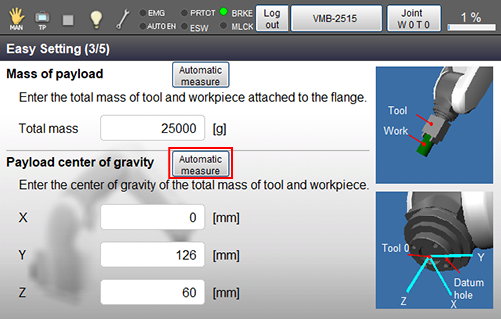
Information of how a robot performs and caution about measuring will be shown in the window of Payload center of gravity.
After confirming the message, press [OK].
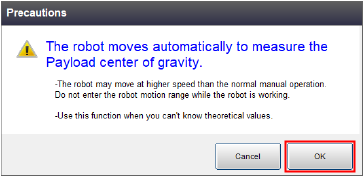
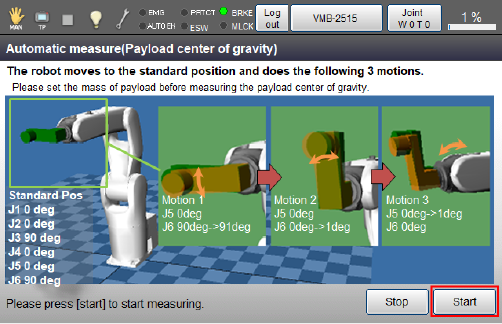
Automatic measure window is displayed.
Press [Start].
2
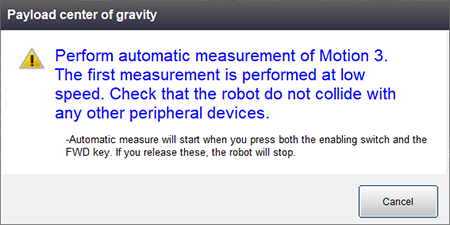
With keep pressing down the enabling switch, tap the [MOTOR] button to turn the motor on, and keep pressing the [FWD] key.
Measurement of the motion at lower speed is performed on the path of Motion 1.
- Make sure that the robot's hand and/or other things won't interference with any other equipment.
- Do not enter the robot motion range because the robot may move at higher speed than the normal manual operation.
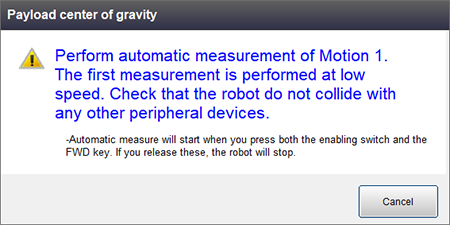
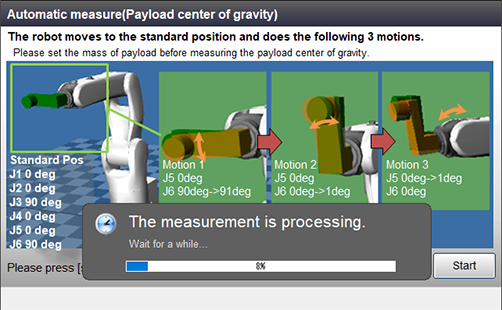
Keep pressing down the enabling switch and the [FWD] key until the measurement completes.
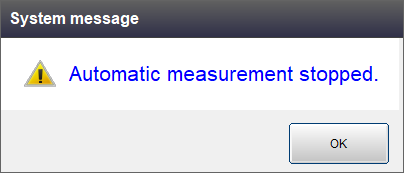
If either the enabling switch or the [FWD] key is released during measurement, the measurement will be interrupted.
3
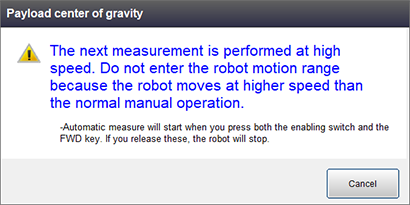
Once the measurement of the motion at lower speed is finished, the motion at higher speed will be measured.
Keep pressing down the enabling switch and the [FWD] key.
Do not enter the robot motion range because the robot moves at higher speed than the normal manual operation.
4
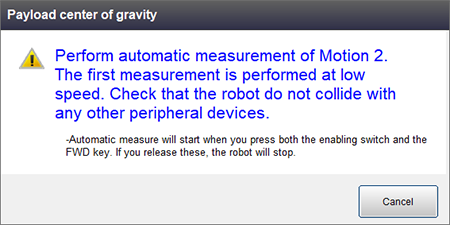
On the path of Motion 2, the measurement of the motions at lower speed and at higher speed is performed again.
5
With the path of the Step 3, do the low speed motion and the high speed motion again.
6
If the measurement value locates inside of the maximum allowable range, measuring is completed.
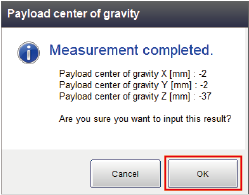
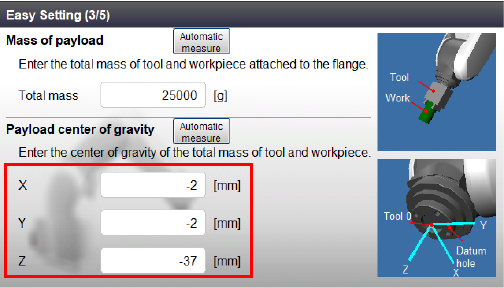
Press [OK] to return the window of [Easy Setting]. The measured value of payload center of gravity is inputted.
ID : 9647