
 HOME
HOME
ID : 9658
Run From
This function makes the program start from the specified line when in the program check.
This function is available only in the manual mode or automatic mode (in the program check-selected state).
When this Operation is Necessary
During the program check, to check and/or modify the operation and/or calculation, starting from the specified line.
Attention
- If the specified line is invalid, such as a comment line or empty line is specified, an error message [Invalid line number to start.] appears.
- To specify a line, display the target program from the program list and specify the line.
- Error may occur if local variables are used without executing the commands for declare statement of the local variable, initialization of variable, and acquisition of axis control, or the calculation and motor operation are performed.
- Local variables will be save on the memory if the domain on the memory is released and the commands to declare local variables such as DIM and DEFINT are executed when user program is forwarded from WINCAPSIII and compiled on the smart TP. Once local variable domain is saved, it will be maintained until it is released. Hence, local variables can be used without executing variable declare command after executing it once. However, even if the local variable domain is saved, contents of the variable will be indeterminate when it is used without initializing the local variable (assigning value).
- Under the manual mode, you cannot execute several programs simultaneously. Therefore, all motion commands for specifying the simultaneous execution of another program will be ignored.
Operation Procedures
1
Set the operation mode to the manual mode.
Automatic mode (program check-selected state) is available.
2
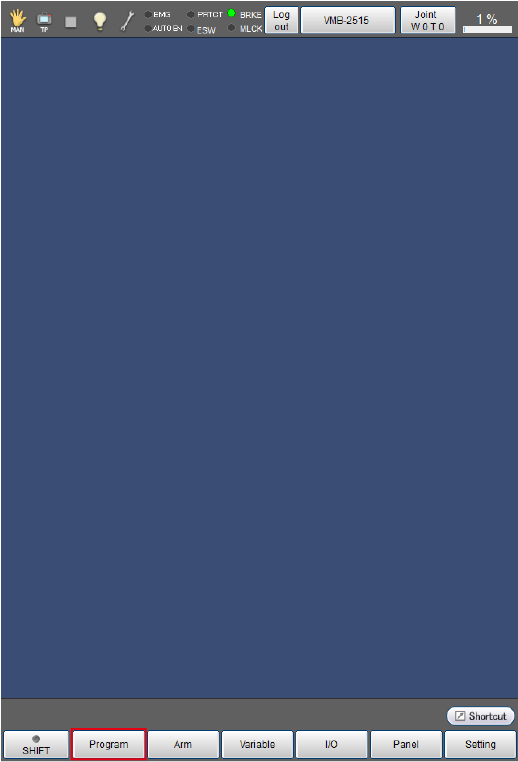
Press [F1 Program].
[Program list] window is displayed.
3
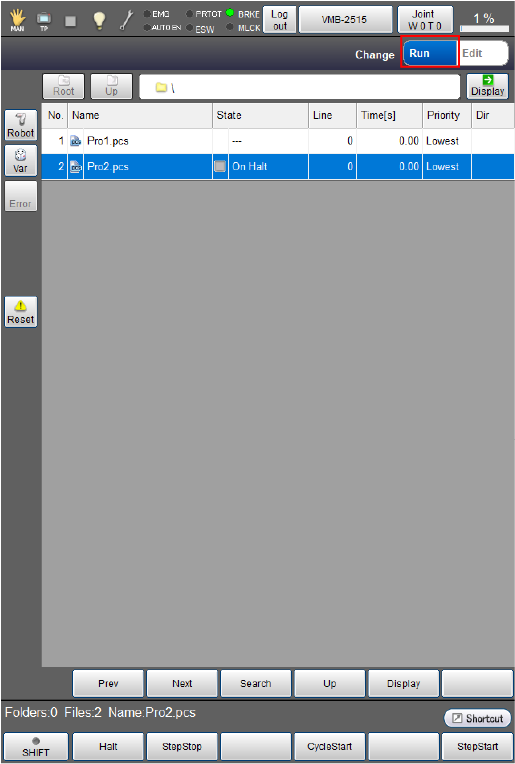
From the right top of the [Program list] window, tap [Run].
4
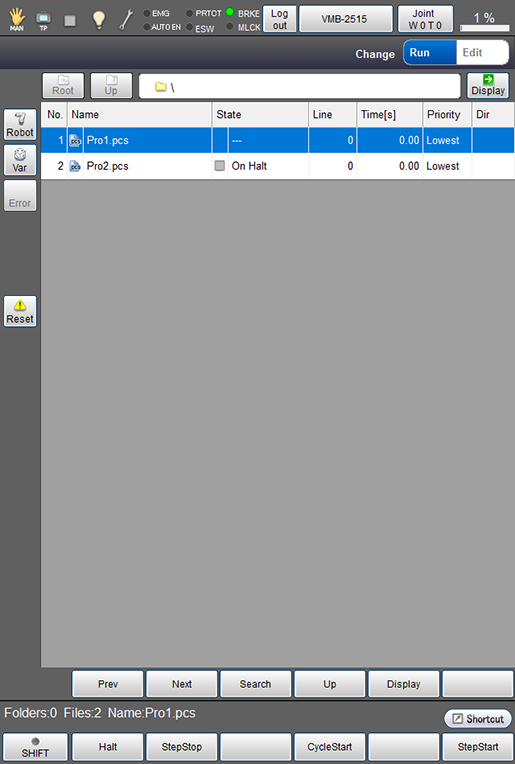
Select a program to check.
The selected program will be highlighted.
5
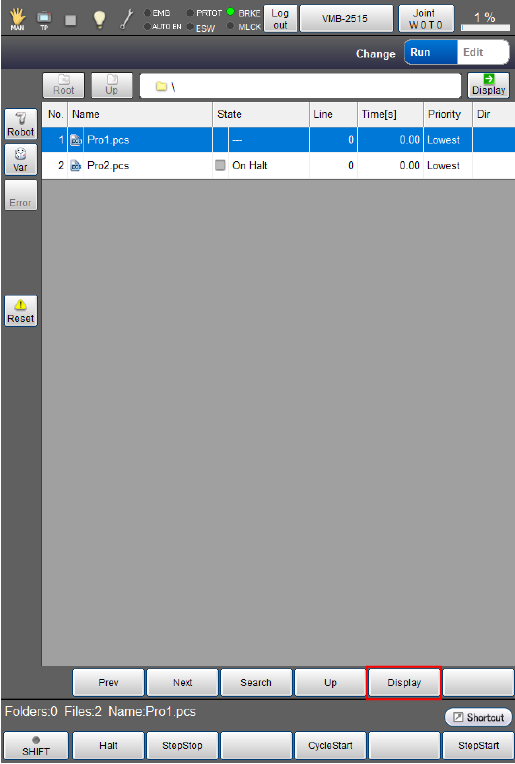
Press [Display] on the screen. Program contents will be displayed.
6
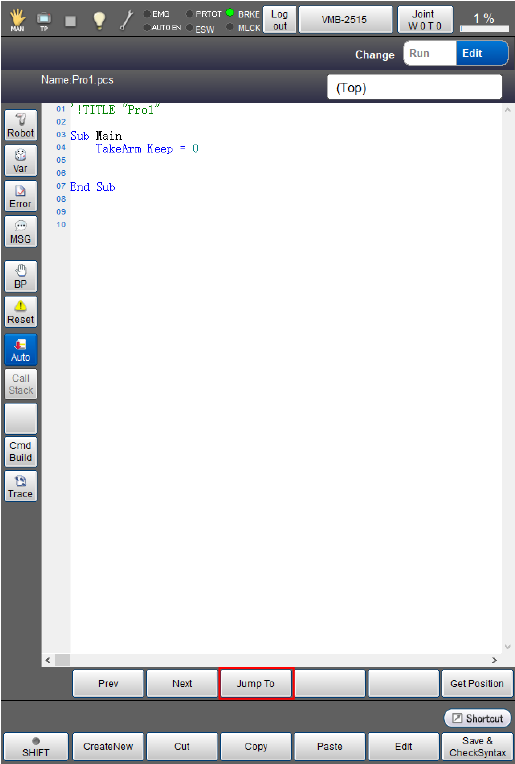
Press [Run From] on the screen. Input numeric keypad will be displayed on the screen.
7
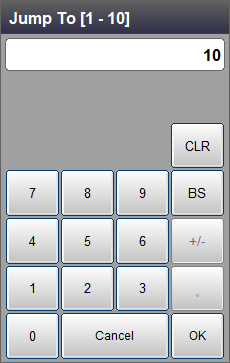
Enter any line number and press [OK]. Input numeric keypad closes, and cursor moves.
Program will start from the specified line when "Cycle Start" or "Step Start" is executed.
ID : 9658