
 HOME
HOME
ID : 9664
Step Stop
Stop the program after executing the step being executed.
Operation procedures
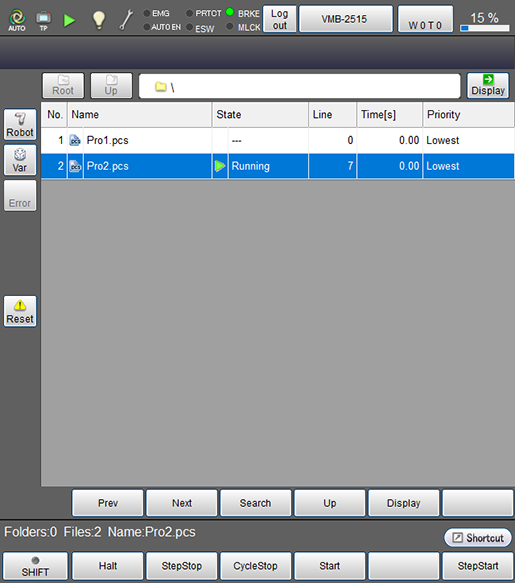
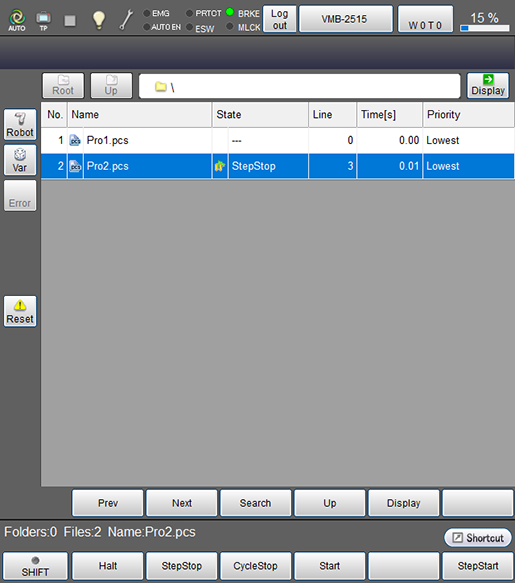
Press [F2 StepStop] in the [Program list] window.
Step stop can also be operated in the program display window.
- For program start
- For step stop
Make sure that there is no danger such as collision or accident in advance when restarting robot after step stop.
If the robot is restarted as it is after step stop, it will immediately start the operation from the next execution step of the step currently displayed on the smart TP.
ID : 9664