
 HOME
HOME
ID : 9768
Displaying and Reading Project List
Operation path: [F6 Setting] - [F6 Data Read and Write] - [F1 Project Read and Write]
Display the list of saved project data.
Also read the saved project data.
Press [F1 Project Read and Write] to display the following [Project files] screen.
This key appears only when the currently logged-in account is granted user permission for "Programming" or "Maintenance".
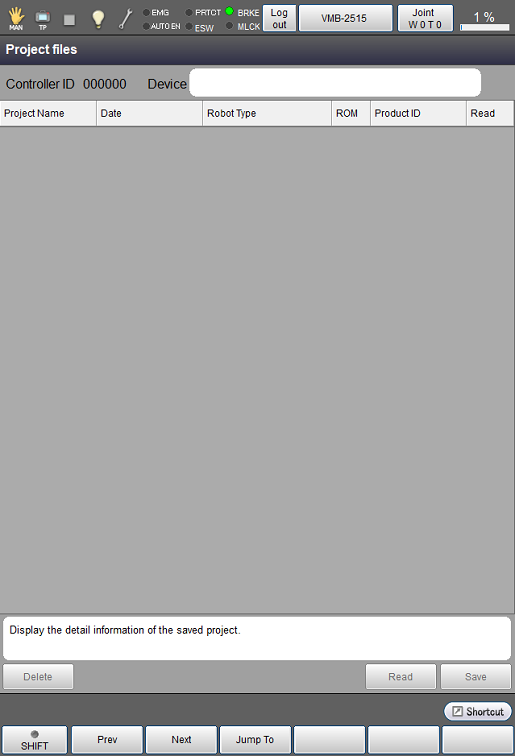
| Available function keys | |
|---|---|
| [F1 Prev] | Display the previous page of the currently displayed project list. |
| [F2 Next] | Display the next page of the currently displayed project list. |
| [F3 Jump To] |
Display a numeric key pad. Use the key pad to enter the value of a row you want to jump to, and press [OK] to jump to the row. |
| Keys other than function keys | |
|---|---|
| Delete | Delete the project stored in USB memory. |
| Read | Read the project stored in USB memory (*1). |
| Save | Write the project into USB memory. |
*1: Available only when the currently logged-in account is granted user permission for "Risk Management".
ID : 9768