
 HOME
HOME
ID : 11287
Manual Reset Message
Select whether to display the Manual Reset confirmation message when the enabling switch is pressed in Manual mode.
"Enable” is selected by factory default.
Operation path: [F6 Setting] - [F11 Risk Management] - [F2 Manual reset message]
Press [F2 Manual reset message] to display the following [Manual reset message] window.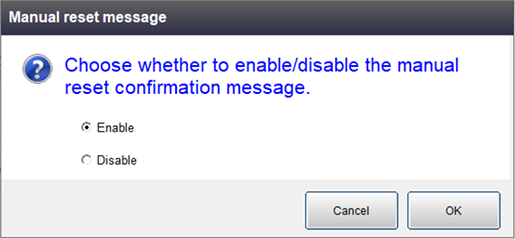
Select either one and press [OK].
A confirmation message appears. Press [OK] to confirm the setting.
ID : 11287