
 HOME
HOME
ID : 11286
Displaying the Risk Management Menu
Display the risk management menu.
Operation path: [F6 Setting] - [F11 Risk Management]
Press [F11 Risk Management] to display the following [Risk Management] window.
This key appears only when the currently logged-in account is granted user permission for "Risk Assessment".
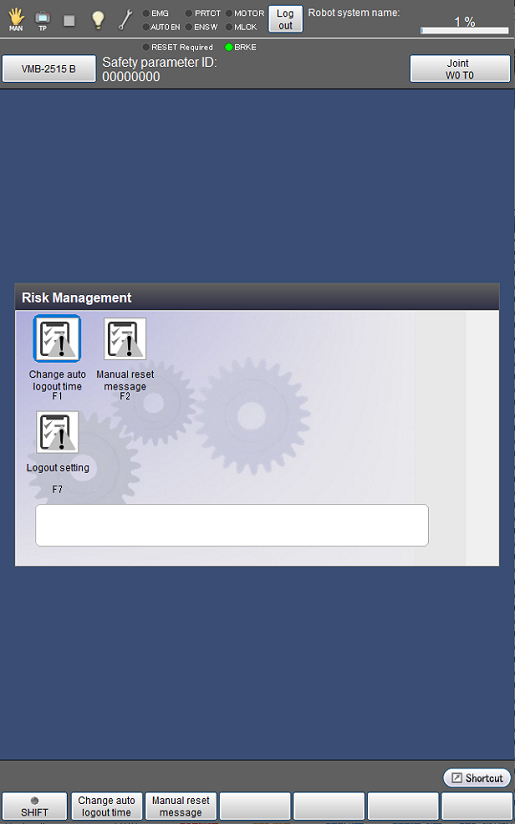
| Available function keys | |
|---|---|
| [F1 Change auto logout time] | Specify the time it takes to automatically log out an inactive user of Smart TP. |
| [F2 Manual reset message] | Select whether to display a confirmation message when Manual Reset is executed. |
| [F7 Logout setting] | Select whether to reset a program automatically when a user logs out. |
ID : 11286
- Related Information
- Setting the Auto Logout Time
- Manual Reset Message
- Logout Setting