
 HOME
HOME
ID : 11298
Displaying and Setting the Collision/Interference Functions
Operation path: Top screen - [F2 Arm] - [F6 Aux] - [F2 Collision/Interference]
Display the menu to set "Virtual Fence".
Press [F2 Collision/Interference] to display the following [Collision/Interference] window.
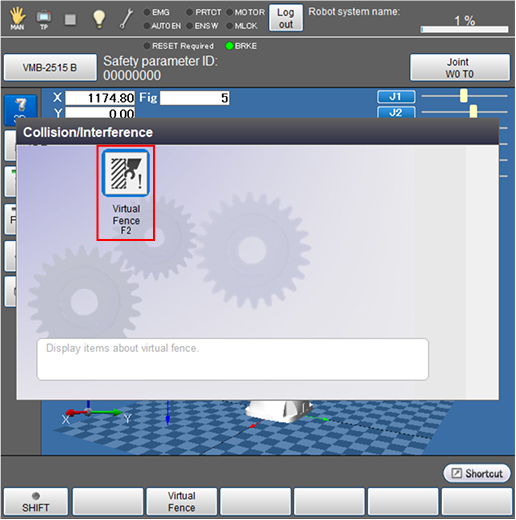
| Available function keys | |
|---|---|
| [F2 Virtual Fence] | Display [Virtual Fence] window. Specify the virtual fence change the Start Monitoring/Stop Monitoring switch and setting. |
ID : 11298
- Related Information
- Displaying and Setting the Virtual Fence