
 HOME
HOME
ID : 9735
Delete All Variables
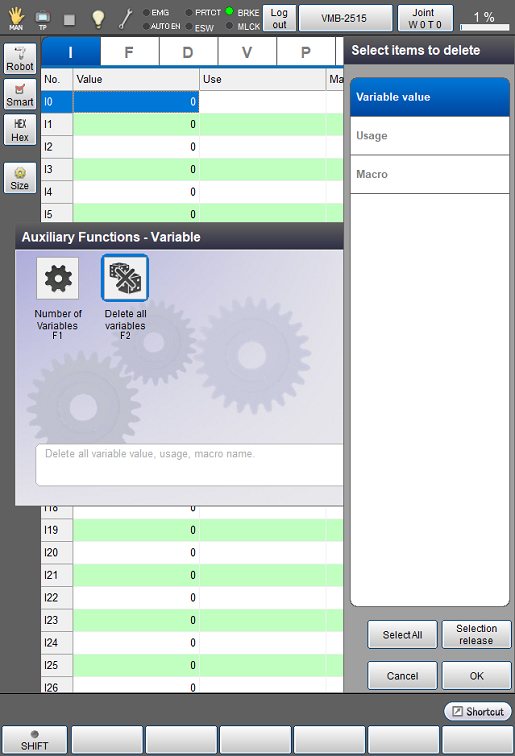
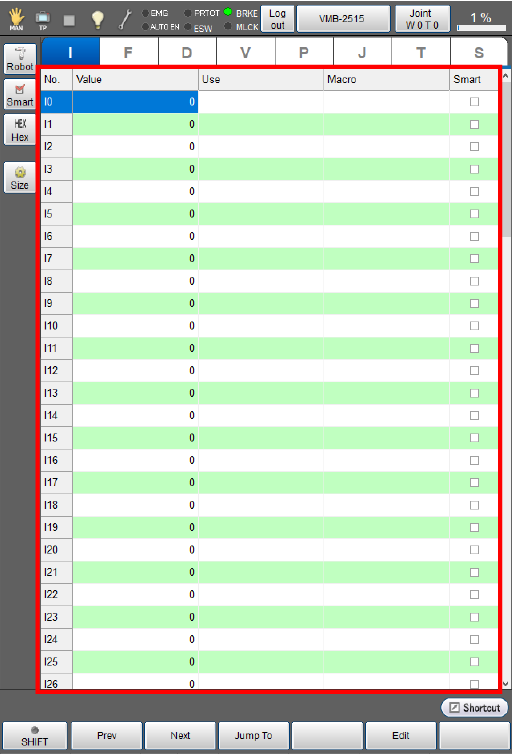
Operation path: [F3 Variable] - [F12 Aux] - [F2 Delete all variables]
This screen appears only when the currently logged-in account is granted user permission for "Programming".
Delete all Variable value, Usage, Macro at once.
Tap [F2 Delete all variables] to display [Select items to delete] panel.
From the [Select items to delete] panel, select an item to delete, and then tap [OK].
All contents of the selected item are deleted. You can select several items at once.
Tapping [SelectAll] will select all items and [Selection release] will release all selected items.
ID : 9735