
 HOME
HOME
ID : 9775
Displaying and Adding/Deleting Function Extension Screen
Operation path: [F6 Setting] - [F8 Option] - [F1 Extension]
Add option functions to controller.
Also delete the added option functions.
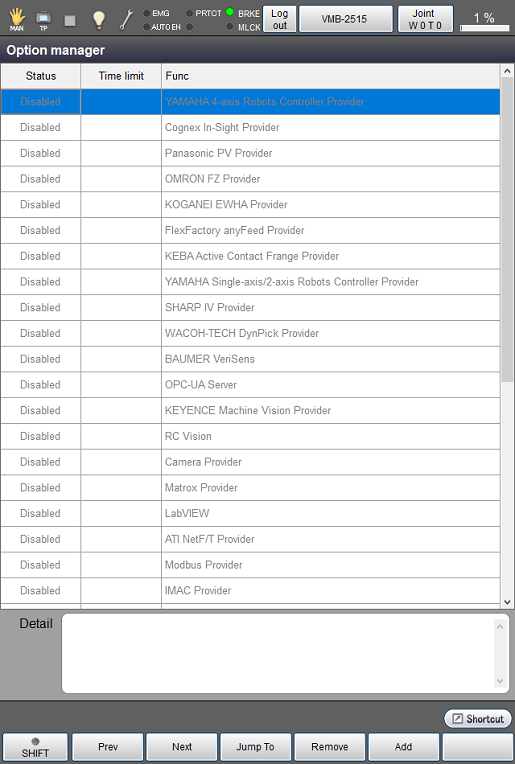
| Available function keys | |
|---|---|
| [F1 Prev] | Display the previous page of the currently displayed option function list. |
| [F2 Next] | Display the next page of the currently displayed option function list. |
| [F3 Jump To] | Display numeric keypad. Enter the list number of option function with numeric keypad, and press [OK] to move to the target option function. The selected option functions will be highlighted. |
| [F4 Remove] (*) | Delete the selected license. |
| [F5 Add] (*) | Display the window for entering the license number of option function to add. |
| [F7 Change order] | Pressing this button will change the function name in alphabetical order. |
- (*) This key is available only when the currently logged-in account is granted user permission for "Programming" or "Maintenance".
- To enable the functions, the controller must be restarted.
ID : 9775