
 HOME
HOME
ID : 9728
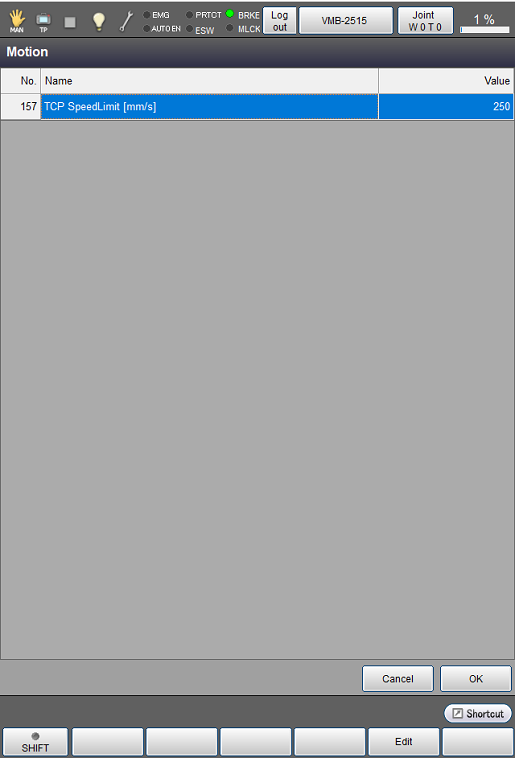
Speed Limit for Safety control Setting
Operation path: [F2 Arm] - [F12 Maintenance] - [F12 Service] - [F3 Motion]
This screen appears only when the currently logged-in account is granted user permission for "Maintenance".
Set the speed limit for safety control (maximum speed at the manual operation).
Tap [F3 Motion] to display [Motions] as shown below.
| Available function keys | |
|---|---|
| [F5 Edit] |
Tap [Edit] to display numeric keypad. |
ID : 9728