
 HOME
HOME
ID : 10983
Output a List of Joint Parameter Settings (Using WINCAPSIII)
WINCAPSIII can display a list of joint parameter settings on the PC screen and output it in CSV format.
If you log on to WINCAPSIII as Programmer, you can configure the following parameters in the [Joint Settings] window.
-
Joint setting table tab
- Servo Amp
- Path Parameter
- Servo Parameter
- Arm group tab
- Link info tab
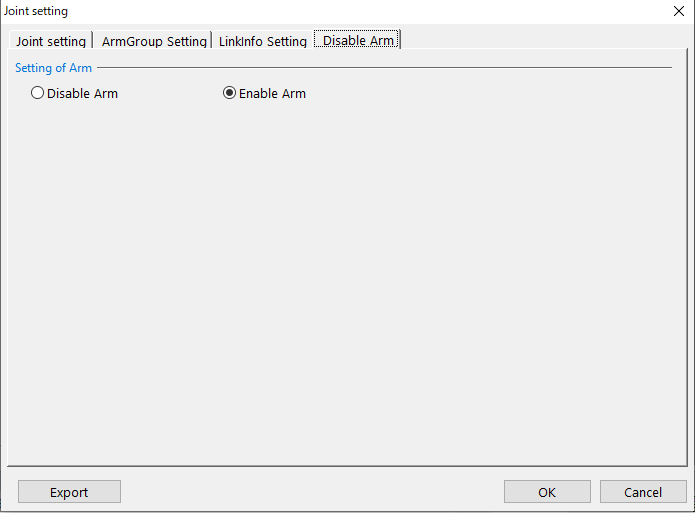
- Disable arm tab
Calling Up the "Joint setting" Window
Operation path: [Project] - [Joint Setting Table]
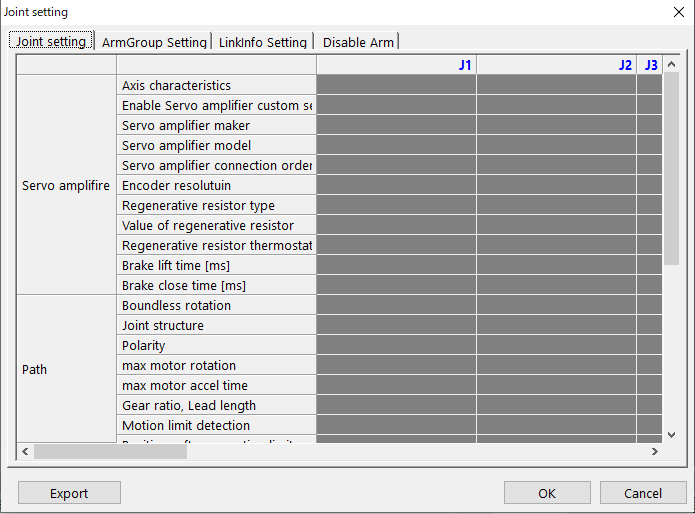
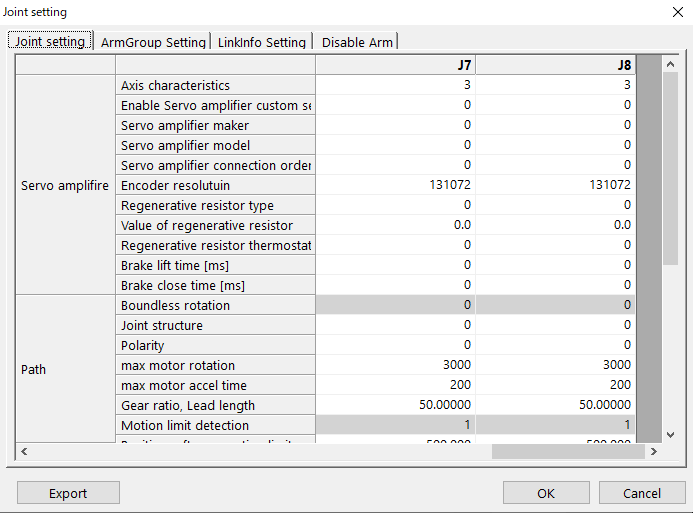
Joint Setting
This tab allows you to confirm and check auxiliary axis setting values, such as model number and motion range.
For details of each item, refer to "Auxiliary Axis Guide".
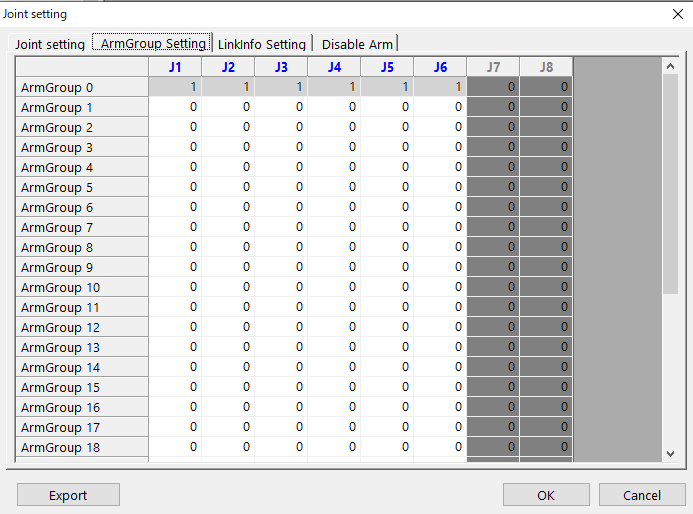
ArmGroup Setting
This tab allows you to set an arm group that is necessary to operate auxiliary axes in a program.
For information about settings, refer to "Register Auxiliary Axes in an Arm Group" in Auxiliary Axis Guide.
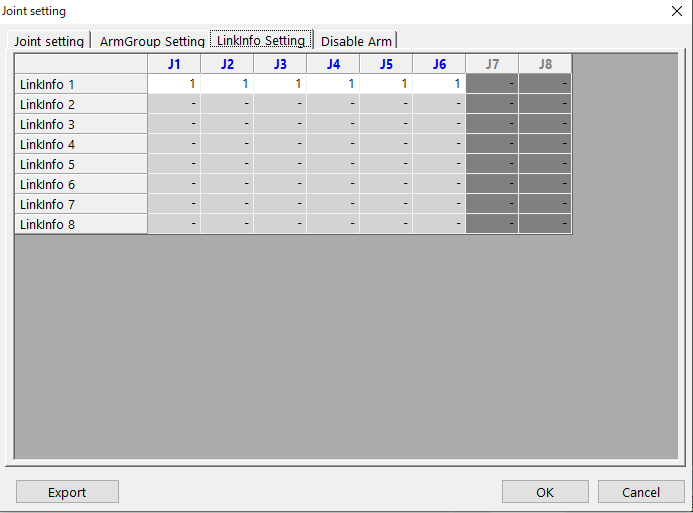
Linklnfo Setting
This tab allows you to set an arm group that is necessary to operate robot joints and auxiliary axes in a program.
For information about settings, refer to "Link Information Setting" in Auxiliary Axis Guide.
Disable Arm
During the adjustment process of auxiliary axes, to confirm the robot motion by turning-ON the auxiliary axes only, select Disable Arm.
<
For information about settings, refer to "Disable the Robot Arms" in Auxiliary Axis Guide.
ID : 10983